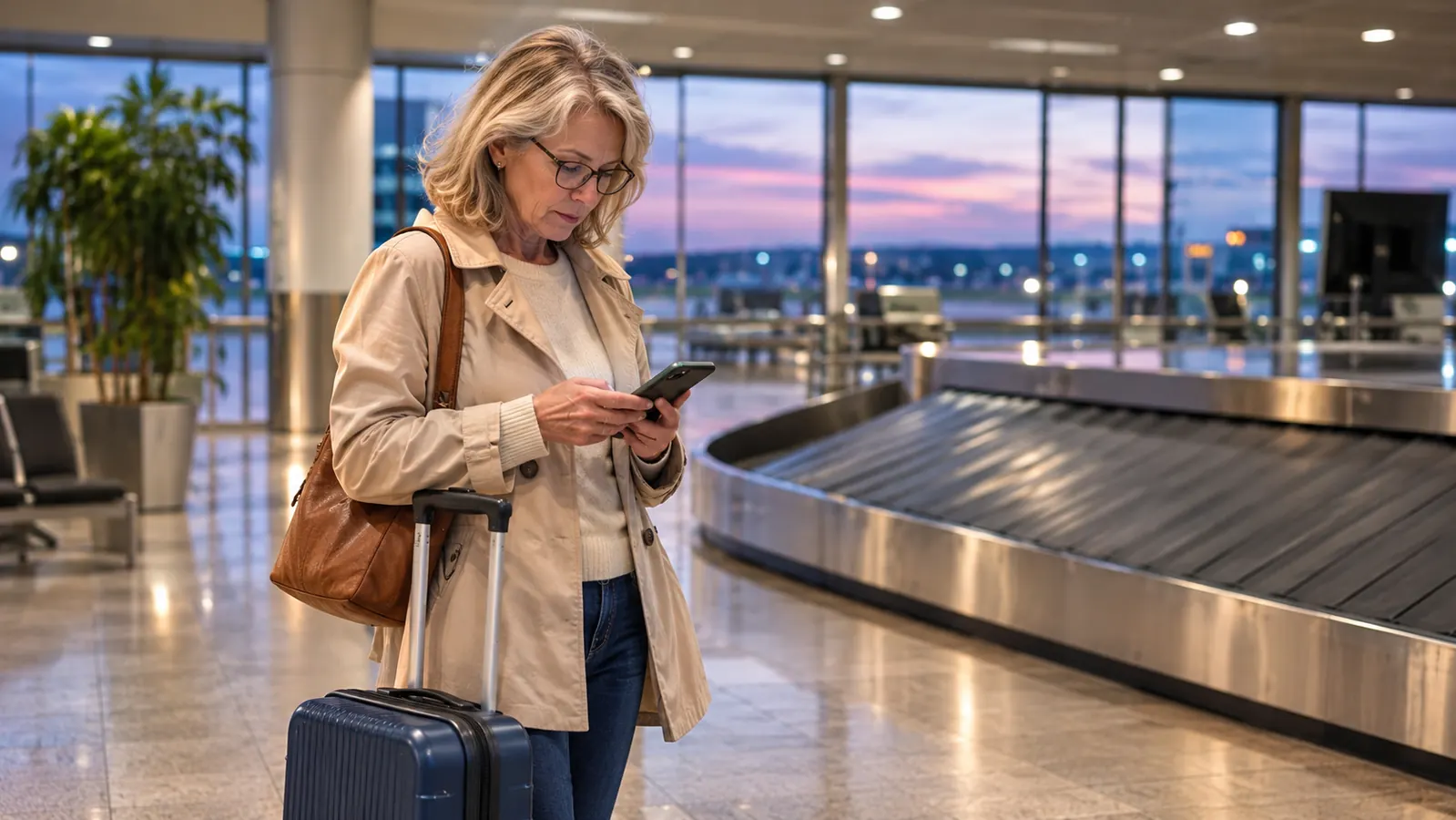
The first time a bag of mine failed to come off the belt, I did what most people do: I stood there for twenty minutes watching an empty carousel, then walked to a service desk and said the least useful sentence in the English language. "My bag didn't come out." The agent asked me for a description. I said, "It's a gray hardside, medium, black wheels." She looked at me the way you look at someone who has just described every bag in the building, which is exactly what I had done.
That was years ago, before I retired from the library and started flying more. Now I fly about six times a year, mostly carry-on, and I pack an ATUVOS tracker tag in my suitcase, one in my backpack, one in Dan's duffel, and one on the car keys. The tags are small plastic discs that work with Apple's Find My app on my iPhone. What changed was not the airlines. What changed was that I stopped being the person at the counter who can only say what color her bag is.
The thing I refused to travel without after Portland
Four tags, one for the suitcase, one for the personal item, one for your partner's duffel, one for the car keys in the airport garage. Works with the Find My app you already have on your iPhone.
Amazon Check Today's Price on Amazon →Why lost bags feel unsolvable
Here is the frustrating part of the whole business. When your bag does not appear, the airline is not actually being difficult. Their baggage system knows something happened. It just does not know where your bag is right now, and neither do you. So you get a form, a reference number, and a promise of a call, and you go to your hotel with a toothbrush from a gift shop.
The thing I have learned is that the airline is not the only party with information. Your bag, if it has a tracker in it, is also reporting. That is the whole trick. You stop asking an airline where your bag is and start being the person who can tell them. It flips the conversation completely, and I have watched it flip in real time.
This is not a piece about how airlines lose bags. They all do, at rates that would surprise you if you looked them up. This is the five-step routine I now run, in order, and the reason my July trip to Portland turned into a two-hour inconvenience instead of a week-long mess.
Step 1: Put the tracker inside the bag, not on the handle
The ATUVOS tags are 1.37 by 1.37 by 0.39 inches and weigh about 0.07 kg, which is nothing. They are plastic, they have a built-in speaker, and they run on a battery the listing gives as 356 days of average life. You pair them with the Find My app on an iPhone and give each one a name: Samsonite, Backpack, Dan's duffel, Car keys. That naming step takes ninety seconds and it is the difference between a useful app and a screen full of four identical dots.
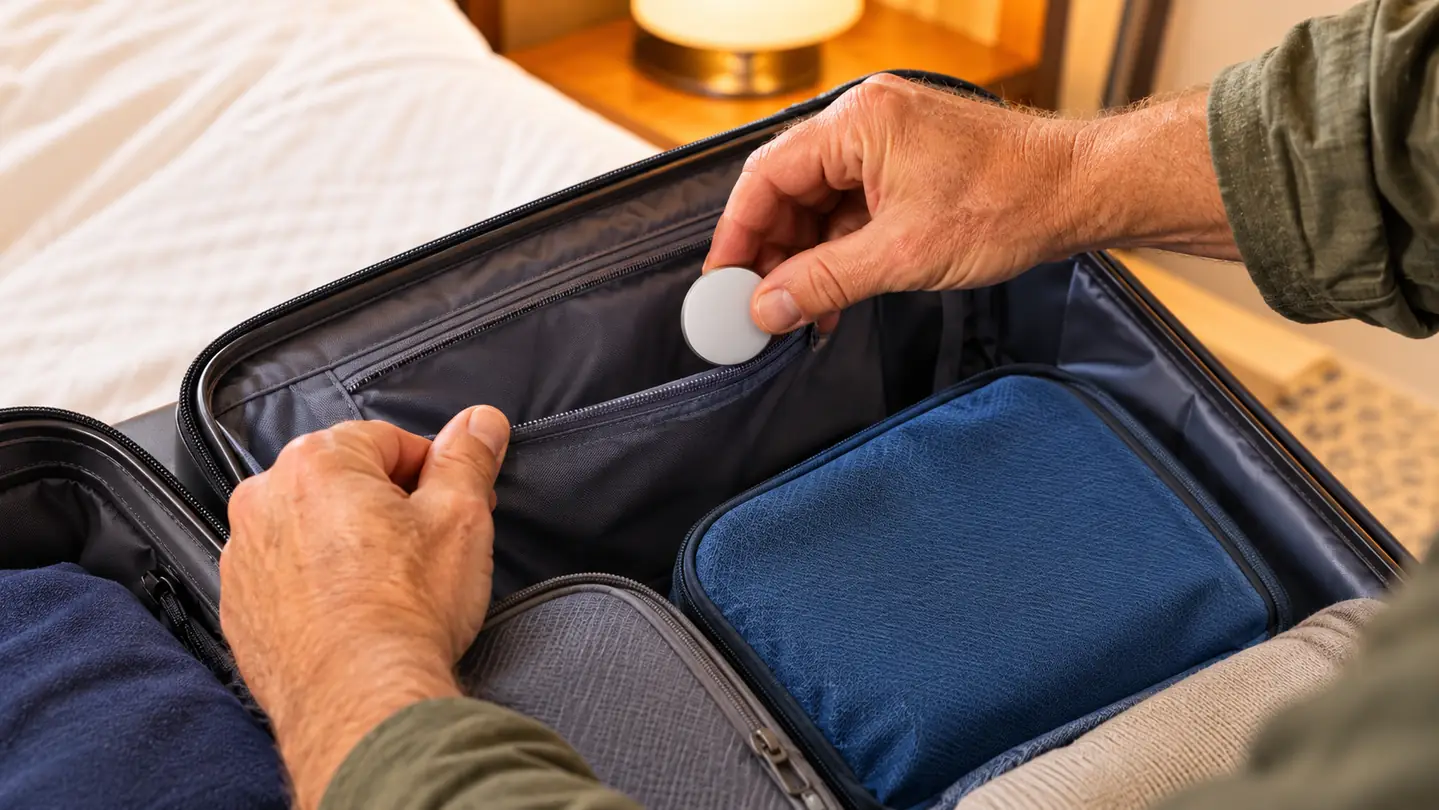
Where you put it matters more than people think. I put mine in an interior zippered pocket of my Samsonite Freeform hardside carry-on, the one I bought in February 2024 before my first retirement trip to Denver. Not clipped to the exterior handle, not dangling off a zipper pull. Two reasons. First, a tag hanging outside is a small shiny thing, and small shiny things get caught, snapped off, or noticed. Second, if the bag is gate-checked and thrown in a hold, an interior pocket protects the tag from exactly that kind of handling.
The one exception is the tag on the Outback keys, which lives on the ring, because keys are meant to be found in a purse, not a suitcase. That one has saved me more times in grocery store parking lots than it ever has at an airport.
Step 2: Name each tag so the app tells you something useful
I know this sounds like a step that does not deserve its own heading. It does. If all four tags are called "ATUVOS Item," then when you are standing at a carousel at 9 p.m., you have to open the app, tap each dot, and figure out which one is the bag you are missing. That is a stupid thing to be doing while your ride is circling the airport.
My names are boring on purpose. Samsonite. Backpack. Dan duffel. Outback keys. Dan's duffel is not something you can buy from this site, it is just a soft bag he has had forever, and I put the fourth tag in it because he checks bags and I do not.
While you are in there, turn on notifications for the tags. That is the setting that gives you a quiet ping when you leave one behind. It has never once fired for a suitcase. It has fired twice for the keys, both times when I was already in the driveway, which is the correct moment to find out.
Step 3: Check the app before you check the carousel
This is the step that would have saved me all those years of standing and staring. When the belt starts and your bag does not appear, do not wait. Do not give it the generous twenty minutes. Open Find My and look at where your bag thinks it is.
Two things can happen. The tag might show as nearby, within about 200 feet according to the listing, in which case you tap it and the built-in speaker plays a sound so you can walk toward it. That is how I find the suitcase in the spare room when I have put it away badly. Or the tag might show a location somewhere else entirely, a dot on a map, which is the more important case. That is when you learn your bag is still in Sacramento and not here, and you can skip the twenty minutes of hopeful staring.
This is how the ATUVOS tags work on the far-away side. They do not have their own GPS and they do not have Wi-Fi. They report their location when they pass near other Apple devices, and there are a great many Apple devices in an airport, on a tarmac, and in a baggage hall. That is the honest version of how it works, and I would rather you know it going in than be disappointed in a parking garage with nobody around.
Step 4: Walk to the desk with a screen, not a story
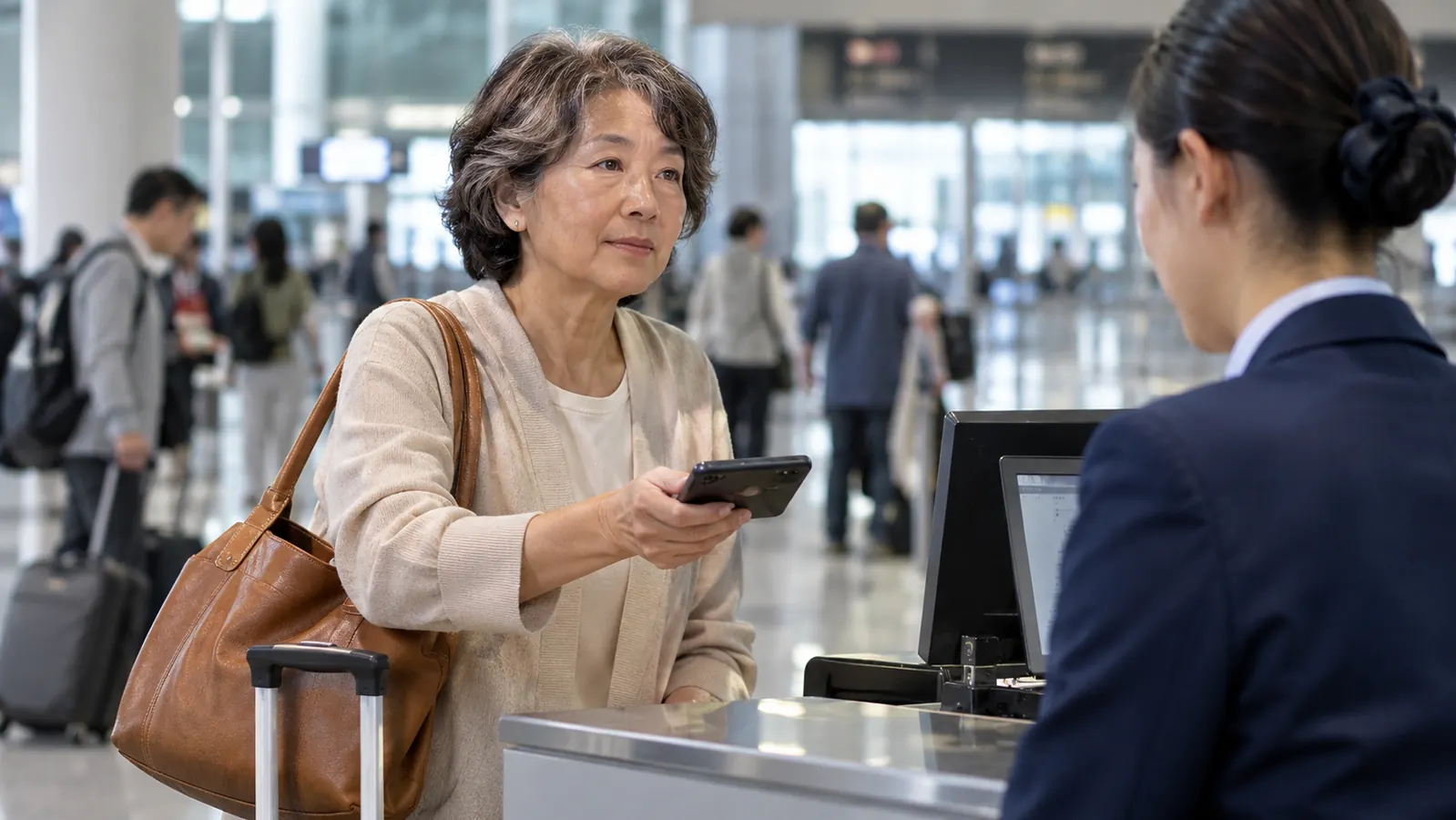
This is the part where the whole routine pays for itself. The gate agent or the baggage agent does not need your adjectives. They need a location and a time. So you say, approximately: "My duffel did not come off the belt. The tracker in it is showing at Sacramento, in the terminal, as of twenty minutes ago. Here is the screen."
That is what happened to us in July 2026, on the yearly trip to Portland to see my sister Paula. Dan gate-checked his duffel, the way he does when the bins are full. We waited at the belt at PDX. No duffel. I opened Find My and the dot for Dan duffel was not in Portland. It was sitting at SMF, in Sacramento, where we had started the morning. The bag never got on the plane.
I want to be clear about something, because it is the honest caveat and it matters. The tracker showed me where the bag was. It did not get the bag to Portland. A human being at a desk did that part, and she did it faster and more cheerfully than I expected once she could see the map. She made a call, the bag came in on the next flight, and it was delivered to Paula's house that evening. Nothing was lost. The whole thing was an inconvenience with a known cause, which is a much easier thing to live through than a mystery.
The tracker showed me where the bag was. It did not get the bag to Portland. A human being at a desk did that part, and she did it faster once she could see the map.
Step 5: Set a check-in rhythm and write down the file number
Once you have filed the report, you have a reference number. Put it somewhere you will actually look. I text it to Dan and I also put it in a note on my phone, because paper slips go into the same pocket as receipts and then into the wash.
Then check the app on a rhythm instead of refreshing it constantly. I check once when I get to the hotel, once after dinner, and once in the morning. That is enough. The dot moves when the bag moves, and watching it every four minutes will not make the airplane fly faster. It will just make you tired and unpleasant at dinner.
The one thing I do not do is hand over the tracker or the app. The bag's location is information I have, and I have found that offering it, politely and repeatedly, gets better results than demanding anything. Fifty-eight years old and I am still learning that one.
What Else Helps
A tracker in the bag is the big piece, but a few other habits carry their own weight. A luggage tag with a name and a phone number that is not the number of the phone in your pocket is worth having, because if the bag ends up somewhere odd and someone kind finds it, they need a way to call. An email address on the tag is even better.
Keep the essentials in your personal item. My MATEIN underseat backpack holds my medications, a cardigan, my iPad, snacks and a water bottle, and it never leaves my seat on the plane. That is not a luggage strategy, it is a medication strategy, and it means a delayed bag is an annoyance rather than a genuine problem. The napfun neck pillow lives in there too, which has nothing to do with lost bags and everything to do with arriving in a decent mood.
And take a photograph of the open, packed bag before you close it. It sounds fussy. It takes four seconds. If you ever have to describe what was in it, that picture is the difference between a claim that gets paid and a claim that gets argued about.
One honest note on the ATUVOS tags themselves. They run in the Apple ecosystem only. They are not for Android phones, and if you are an Android household you need a different product entirely. The listing is clear about this and so am I. Dan and I both use iPhones, which is why four tags in this house made sense. The 4.2 star average across more than 17,000 reviews also tells you it is a good product with some complaints, mostly, I would guess, from people who expected a GPS signal in the middle of nowhere. It is a Bluetooth tag that borrows the location of nearby Apple devices. That is a genuinely clever thing and it is not magic.
Four tags, four things you would rather not lose
One in the suitcase, one in the personal item, one in your partner's bag, one on the car keys. Works with the Find My app on your iPhone. Set them up once and the app does the rest.
Amazon Check Today's Price on Amazon →